50+ Free CV Templates for Word
Download 50+ free CV templates for Microsoft Word: professional, ATS-friendly .docx designs, ready to fill in, edit and print. No sign-up, no watermark.
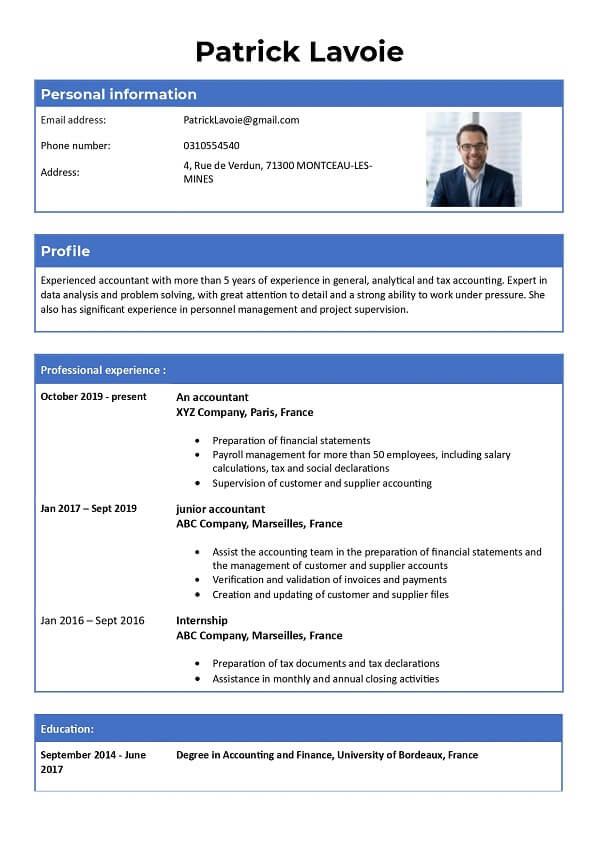
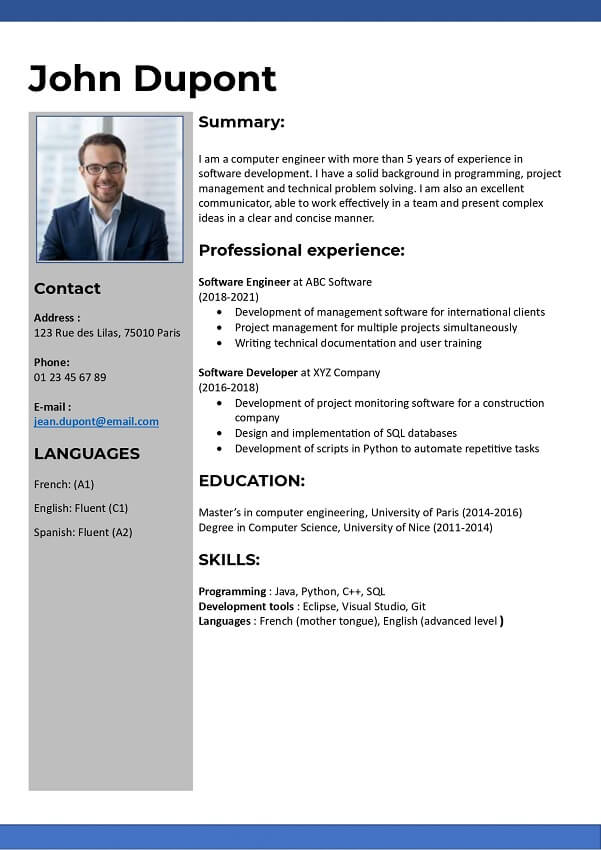
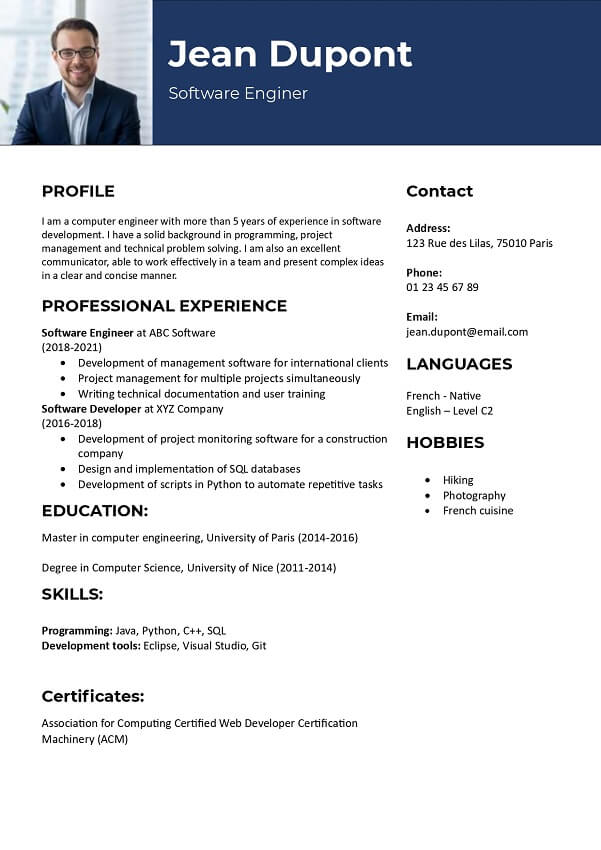
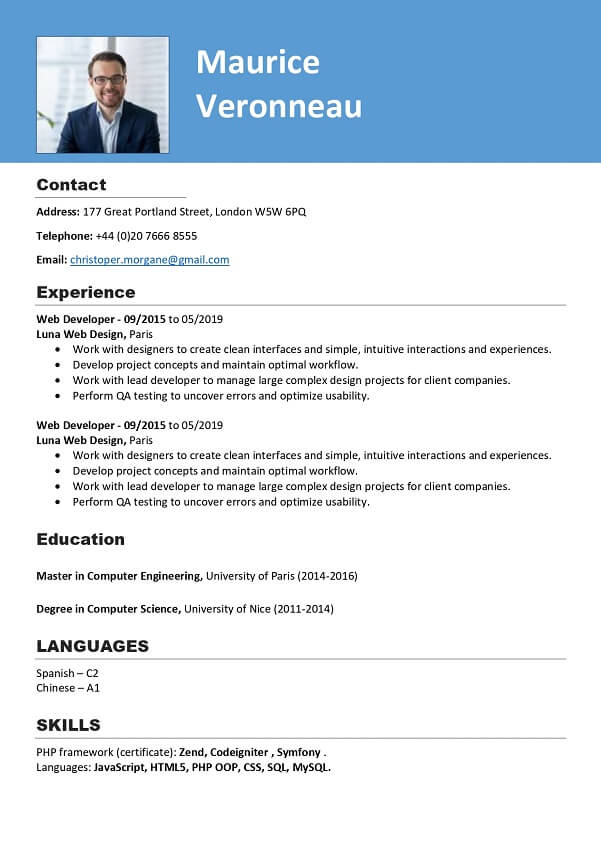
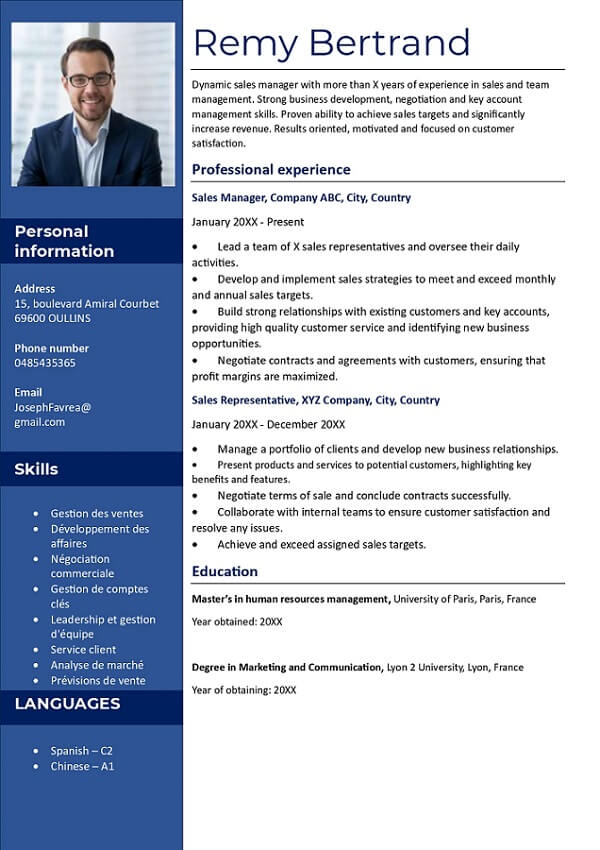
Why use a Word CV template?
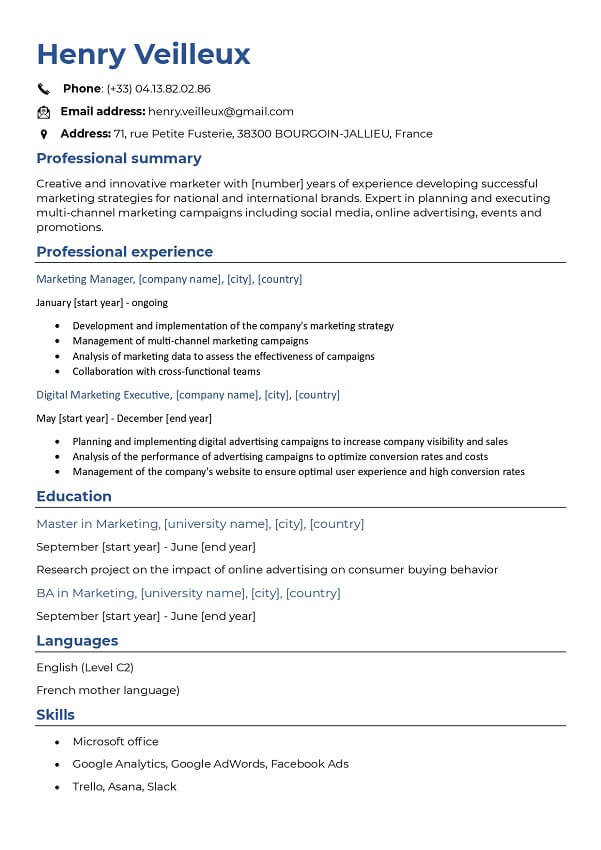
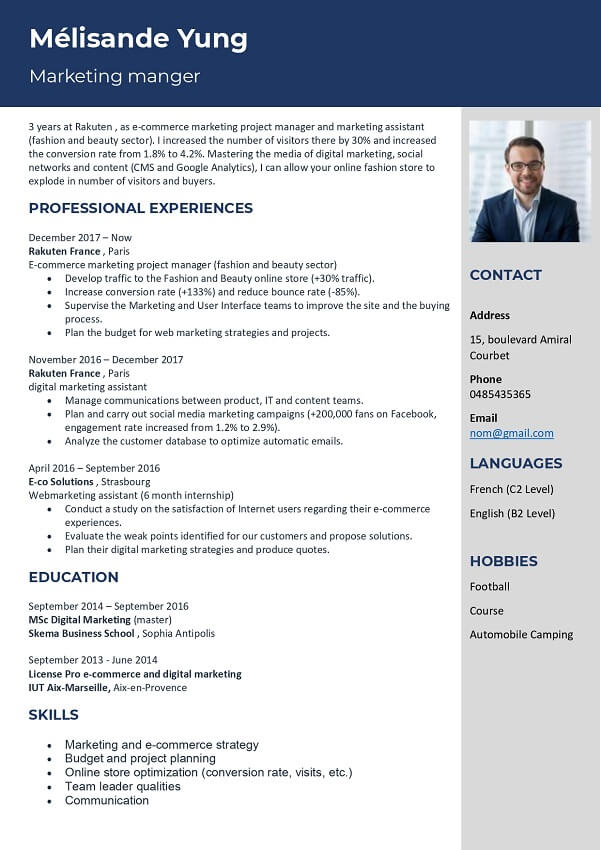
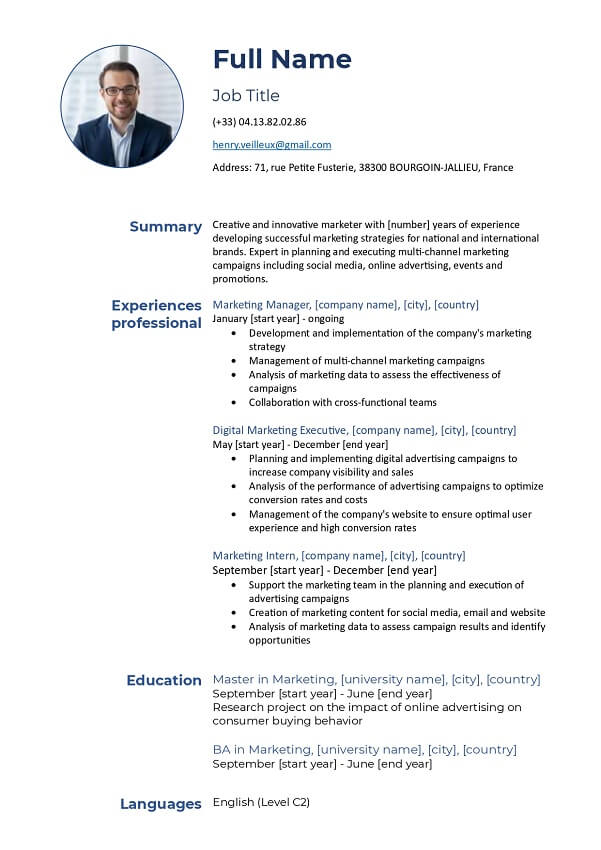
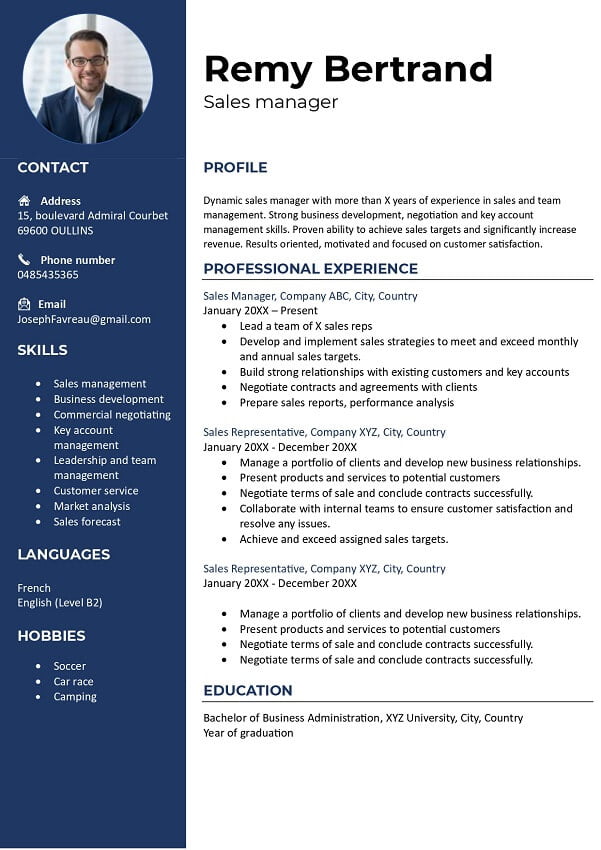
Microsoft Word is still the most widely used program for writing a CV: it is available on almost every computer, easy to learn, and Word (.docx) files also open and edit in Google Docs and LibreOffice. That makes the Word format the practical choice for most job seekers.
A ready-to-fill template saves you time — the professional design and layout are already done, so you simply replace the placeholder text with your own details while keeping a clean, easy-to-read structure. Every template on this page is free in Word format, with no sign-up and no watermark.
How to edit the CV template in Word
Once you have downloaded the .docx file, follow these steps:
- Open the file in Microsoft Word, or a compatible editor such as Google Docs or LibreOffice.
- Replace the placeholder text with your own details: name, contact information and a short professional profile.
- Add your work experience in reverse-chronological order (most recent first), then your education, skills, languages, courses and certifications.
- Adjust the fonts, colours and section order to taste, while keeping the layout clean and readable.
- Proofread carefully to remove any spelling or grammar mistakes.
- Save the file as .docx, then export a copy as PDF before you send it, or print it on A4.
You now have a CV ready to apply for the job you want. If you would rather not edit in Word, you can build your CV online in minutes and download it as a PDF.
How to choose the right template
Pick a template that matches the job and field you are targeting, and keep these points in mind:
- Clarity first: a clean, easy-to-read design with enough room for your experience and clear section headings.
- ATS-friendly: a simple, well-organised structure so applicant tracking systems read your content correctly before it reaches a recruiter.
- The right length: one page suits most roles, while two pages work for senior or academic profiles.
- One or two columns: a single column is safest for ATS, while two columns give more room for skills and languages.
- Photo: in the UK, US and Canada it is best to leave your photo off to avoid screening bias, whereas it is common in much of continental Europe.
For even more options you can browse all our free CV templates.